
🧑💻 Adding a QR code from an event
Have you created an event and want to advertise it using a QR code? View instructions below:
📝 Walk-through instructions
- Click on the “events” tab on your dashboard

- Edit or create an event
*Important note: You must create and PUBLISH the event before you can generate the code.
- Once your event is published, scroll down. On the right-hand side, find the area that says “QR codes and click “Generate QR Code”
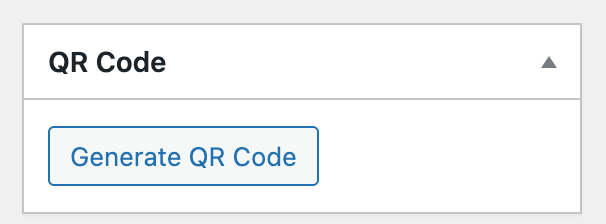
- Download and use this code to link directly to that event’s page.